_1779782908460-DSlxsssj.png)
Microsoft Copilot Training for your team
Hands-on, role-specific Copilot training that helps your team use Microsoft 365 Copilot effectively and safely in their everyday work.
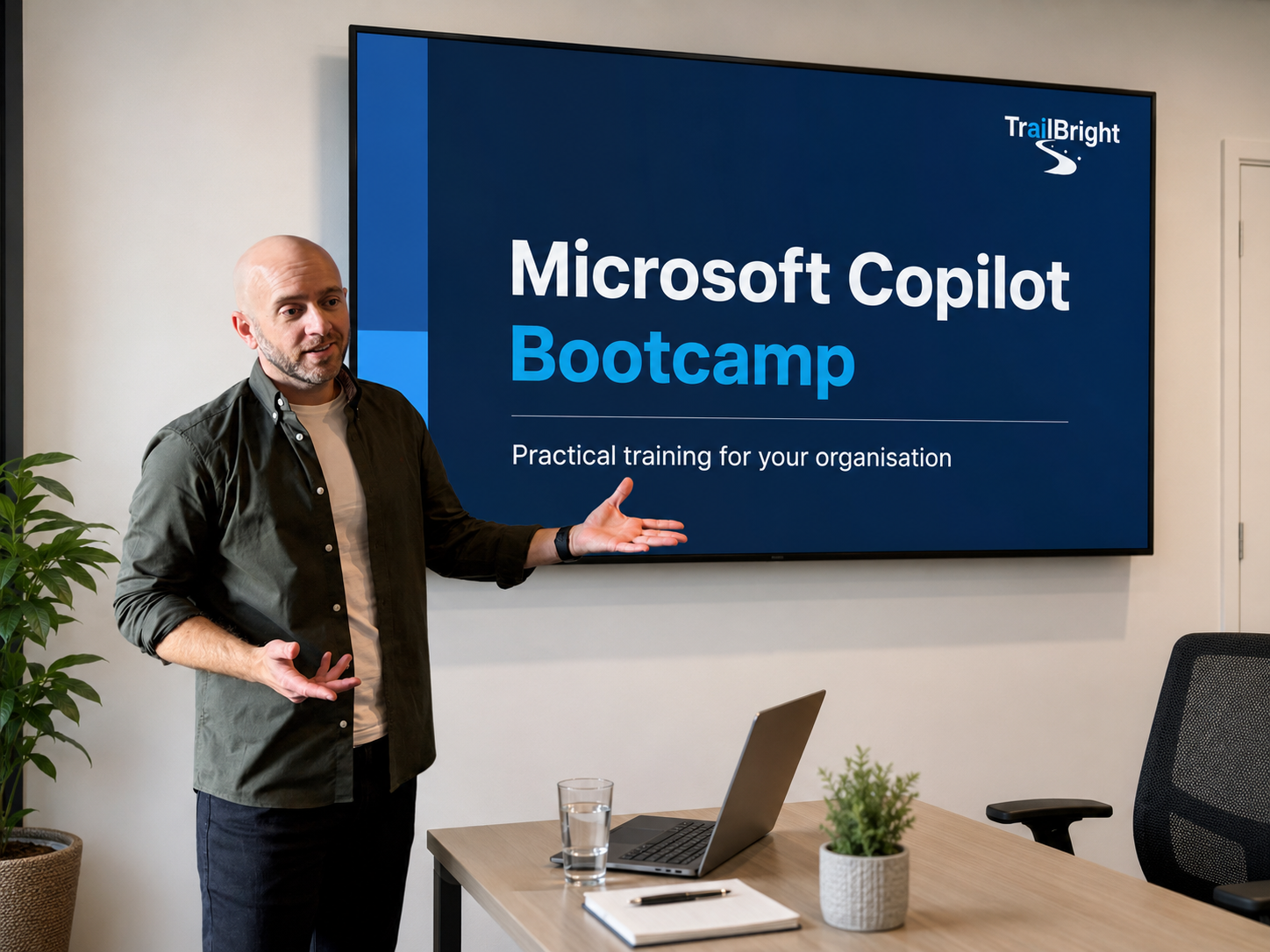
What is included
- Half-day or full-day sessions
- Virtual or in-person training
- Role-specific examples
- Live demos
- Hands-on practice
- Prompt templates
- Follow-up support
Who it is for
For organisations using, piloting, or preparing to roll out Microsoft 365 Copilot.
Ideal for teams who want to:
- Move beyond basic prompts and summaries
- Use Copilot more consistently in everyday work
- Build confidence across Microsoft 365 apps
- Understand safe and responsible use
- Identify practical time-saving workflows
- Support adoption after licences have been switched on
What your team will learn
Prompting properly
Use a framework to get clearer, better, more useful responses from Copilot.
Copilot across Microsoft 365
Apply Copilot in Outlook, Teams, Word, PowerPoint, Excel, and Chat.
Copilot Create
Use Copilot to create first drafts, visuals, summaries, content ideas, and starting points for presentations or documents.
Copilot Notebooks
Work with source material, documents, PDFs, policies, and notes to produce grounded summaries, briefings, FAQs, and outputs.
Copilot Agents
Understand when Agents are useful and how to identify good workflow opportunities.
Safe AI habits
Use Copilot confidently while staying aware of data, permissions, accuracy, and risk.